

Short answer: yes. Keep your Facebook page, and have a website too. They do different jobs, and the website does the one that brings in most new customers.
I hear this question a lot, usually from owners who’ve done well with a busy Facebook page and wonder why they should pay for anything else. It’s a fair question. Here’s the honest version, with no scare stories.
What a Facebook page is good at
A Facebook page is great for people who already know you. Regular customers follow you there. They see your new work, your specials and your news. They tag friends and leave comments.
It’s also free, quick to update from your phone, and a natural place to share photos from a job you just finished. If yours is active, keep it that way.
But notice who that list is about: people who already found you. A Facebook page is good at keeping customers. It isn’t built for the moment someone who has never heard of you goes looking for help.
Where a Facebook page falls short
Think about how a new customer finds a plumber, a roofer or a place to eat. Most of the time, they search. They type “plumber near me” or “tacos open now” into Google, then pick from what shows up.

Here is where a page alone runs into trouble.
- It isn’t built to answer searches. Your page shows posts in date order. The things a searcher needs, like your services, the towns you cover and your hours, get buried under last month’s posts.
- Some people won’t use it. Not everyone has a Facebook account, and some people don’t want to log in to read about a business. A website opens for anyone, on any phone.
- You don’t control it. Facebook sets the rules, the layout and what gets shown. If your account gets locked or the rules change, your page can disappear overnight. A website on your own domain stays yours.
- It looks the same as everyone else’s. Every page has the same layout. A website lets your business look like your business.
- It can’t hold everything. A full menu, a clear list of services, a page about your license and insurance, or a page for each type of job you do. A website has room for all of it.
None of this means Facebook is bad. It means it’s one tool, and it’s not the one people use when they’re ready to hire.
What a website does that a page can’t
A website is the one place online that’s fully yours. When someone searches, finds your Google profile and taps “Website,” this is where they land. It should answer their questions in seconds.
A good small business site makes a few things easy:
- Calling you. A big tap-to-call button, right at the top, on every page.
- Knowing you do the job. Your services spelled out in plain words.
- Knowing you come to them. The towns and areas you serve, listed clearly.
- Knowing when you’re open. Hours that are correct, including holidays.
- Trusting you. Real photos, your story, and details like your license number.
That’s also what Google needs to understand your business. A clear site with your services and towns spelled out gives Google something to show. No one can honestly promise you a ranking, but a page full of old posts gives Google much less to work with.
How to use both without doubling your work
You don’t have to choose. The best setup is simple: your website is home base, and Facebook is where you chat with the people who already know you.
- Put your website address on your Facebook page, in the About section and the button at the top.
- Share new work on Facebook, and keep your services, hours and contact details on the website.
- Link to your website from your Google profile, so searchers land somewhere that answers their questions.
- Keep your hours and phone number the same everywhere.
That last one is the annoying part, because it means updating several places when anything changes. We’re building listings sync to fix that. Once it’s live, you’ll change your hours once and they’ll update on your site and your Google and Facebook listings together. It’s coming soon, and it will be part of every plan.
What if you don’t have a website at all?
Then you’re in a good spot, honestly. You don’t need to start from scratch or fill out a long form.
At SmallPOP, we build your first website before you pay anything. We use what’s already online about your business, including your Google and Facebook pages, and the photos you’ve posted yourself. If you like the site, you claim it, and we register your domain in your name. If you don’t, you pay nothing.
Plans start at $0 down and $249 a month. There’s also a setup plan with a lower monthly fee. All the details are on our pricing section, and I explain how website costs work in general in how much does a website cost a local service business?
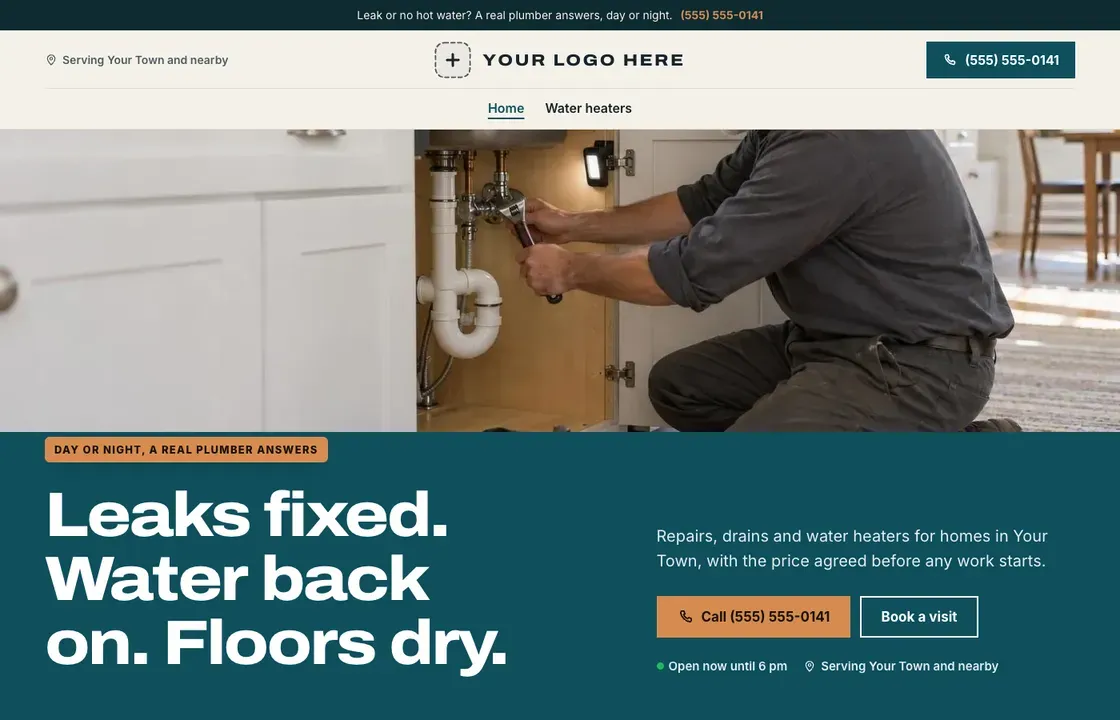
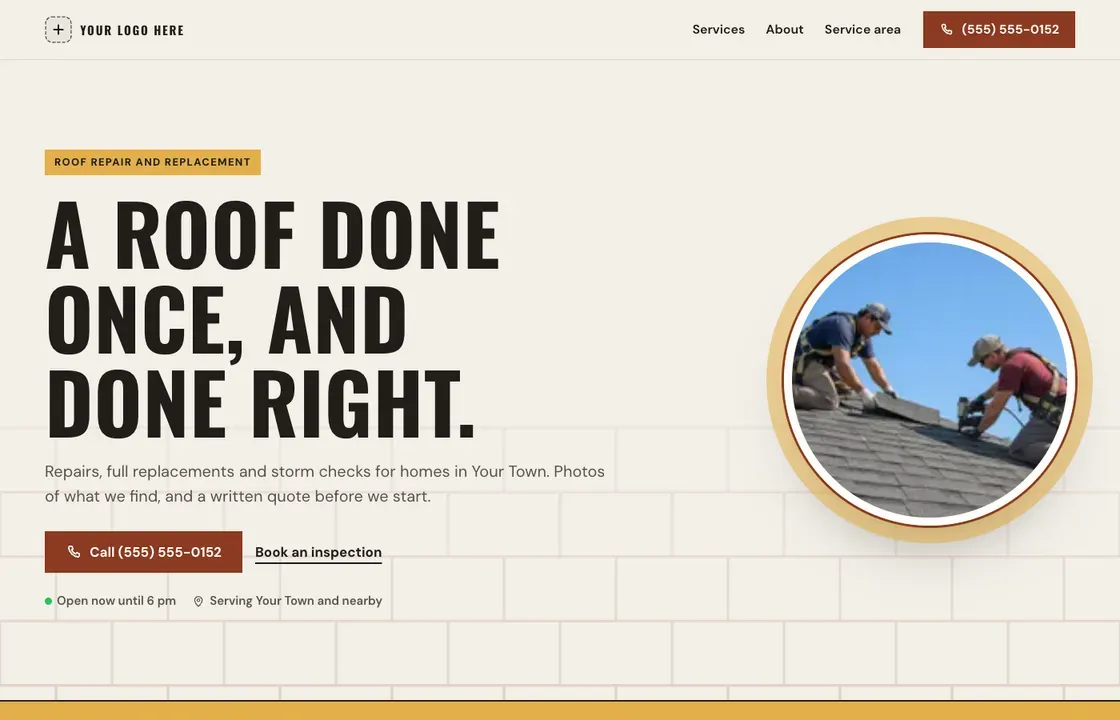
You can see what a finished site looks like for your kind of business. Take a look at our pages for restaurants, plumbers and landscapers, or browse the Marketplace for ready-made designs.
Common questions about Facebook and websites
Should I stop posting on Facebook once I have a website?
No. Keep posting. Facebook is great for staying in touch with regular customers. Just make sure your page links to your website, and that both show the same hours and phone number.
Can my website show my Facebook posts?
It can link to your page, so visitors can follow you there. We keep the site itself focused on what new customers need: what you do, where, when you’re open, and how to reach you.
Do I need a website if most of my work comes from word of mouth?
It still helps. When a friend recommends you, the next thing most people do is look you up. A clear website with your number up front makes that recommendation easy to act on.
I don’t have good photos. Is that a problem?
No. We use photos you’ve already posted on your Google profile or Facebook page. Until you send your own, we use good generic photos for your kind of work, and we never take customer photos from review sites.
Got an email from us? Your website may already be built. Look it up here, or ask us to build yours. You can also call us at (877) 708-7362.